
Issues with 3rd-Party Accessories and Software
Overview
While supporting third-party accessories is outside the scope of our support, users sometimes contact us about issues that occur while using them. In some cases, these issues can appear because our hardware is being used in more demanding scenarios, even though it remains within its normal operating specifications. Here is what we know..
Face-tracking software
Baballonia and Paper Tracker are both popular third-party face-tracking options.
Known conflict: running both VRCFT's BeyondTrackingModule and Baballonia at the same time is redundant - only run one at a time.
Face trackers (Babble and similar)
Babble is the face tracker we see paired with the Beyond most often.
Headset restarts at high brightness
If your headset restarts specifically when running the display bright - especially with a face tracker also plugged in then this is usually a power delivery issue, the same thing that can happen even without a face tracker, just easier to trigger with the extra device pulling power.
What helps: - An external power supply instead of a "smart" charger - Plugging directly into your motherboard if you're on a questionable charger - A newer linkbox/cable - A PCIe USB expansion card
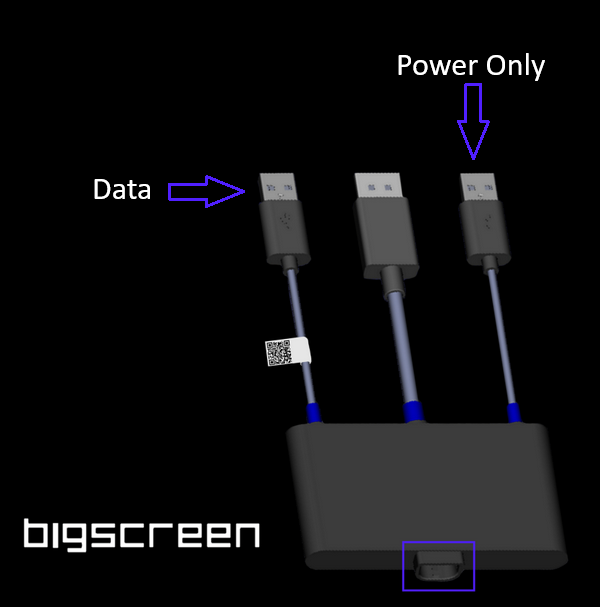
Workaround: if your setup is right at the edge (bright display + Audio Strap + face tracker all together), giving the face tracker its own separate power like a second USB cable straight to your PC.
Tracking gets disrupted when the face tracker is in use
This is usually either the face tracker's IR LEDs interfering with the Beyond's own tracking, or a USB bandwidth/signal issue
What helps: - A 3D-printed shield that blocks the face tracker's IR LEDs from interfering with the tracking sensors - A Link Booster, and sometimes a new linkbox or cable
Lag or stutter when the face tracker is in use
This usually comes down to USB power or bandwidth contention - your face tracker and the Beyond's linkbox are sharing the same USB controller on your PC's motherboard, and both are asking for more than it can comfortably give..
What helps, cleanest to cheapest: - A dedicated PCIe USB expansion card for the Beyond (or the face tracker) - Remove any USB extension cable in the chain - Move cables to a different set of motherboard USB ports - Plug power-hungry accessories directly into the PC instead of through a shared hub - If you're on an upgrade order and still using your original Beyond 1 linkbox, switching to a current-gen linkbox can help - Check for a firmware update for your face tracker as outdated accessory firmware can cause this too
Audio crackle when the face tracker is in use
Start with the Windows audio settings fix - disabling audio enhancements and exclusive mode resolves most crackling on its own, and it's the quickest thing to rule out. If that doesn't help, try the standard cable/Link Booster troubleshooting next. Still crackling after that? A GPU driver update is worth trying too, as it's resolved cases that looked like a cable issue but weren't.
If none of the above help then contact us at support@bigscreenvr.com
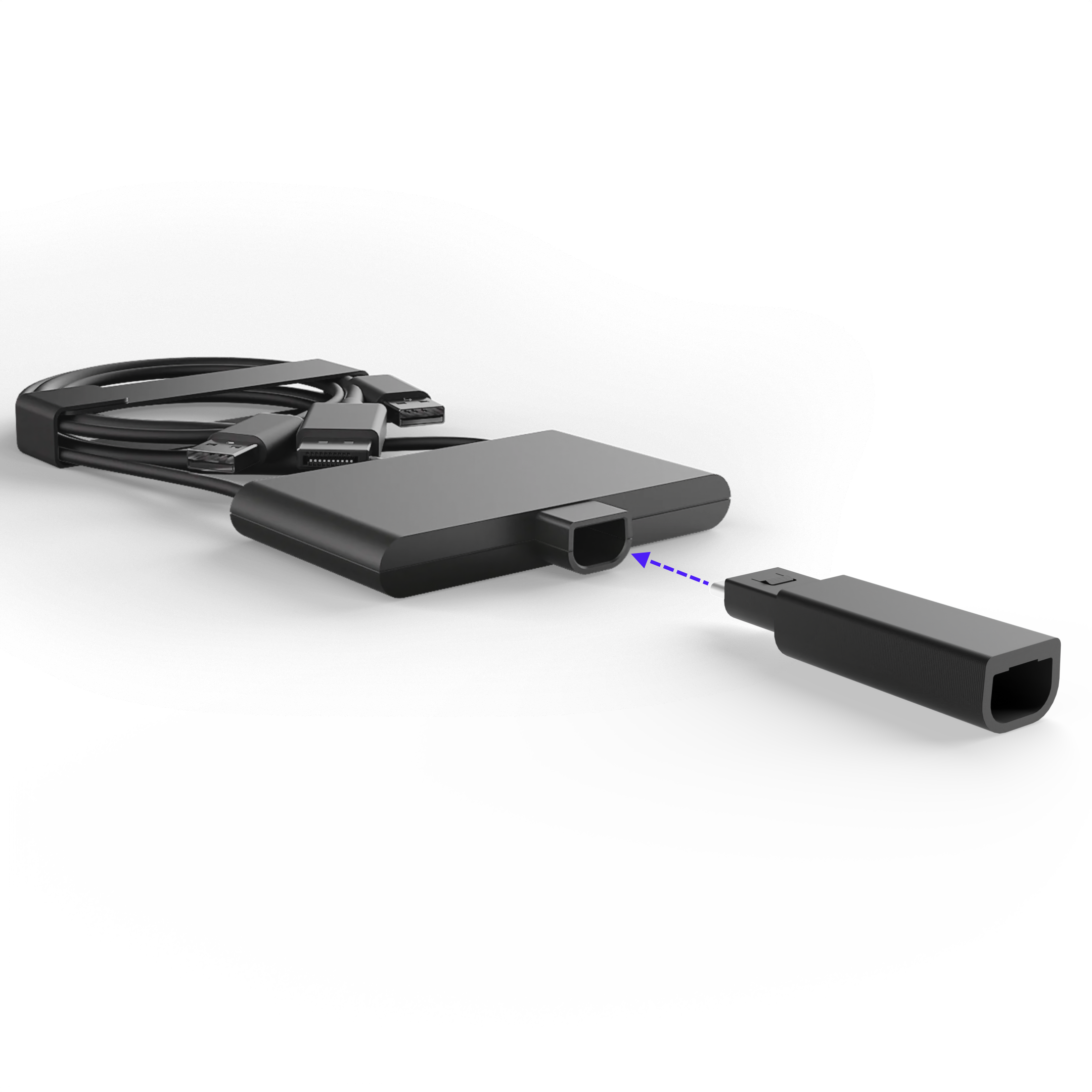
RGB and fan controllers
USB-connected RGB lighting or fan controllers can flood your USB bus enough to cause stutter or tracking flakiness on their own. If you're troubleshooting either and have RGB/fan control software running, it's worth checking early rather than last.
USB hubs and splitters
If you're running multiple USB accessories alongside the Beyond, a dedicated hub built for it can help. The MMI Modular hub (aka "Matthub") is a popular option in the community - see the Discord thread for details, or pick one up through Babble's store.
Version 1 - no longer sold. Originates from Beyond 1 days
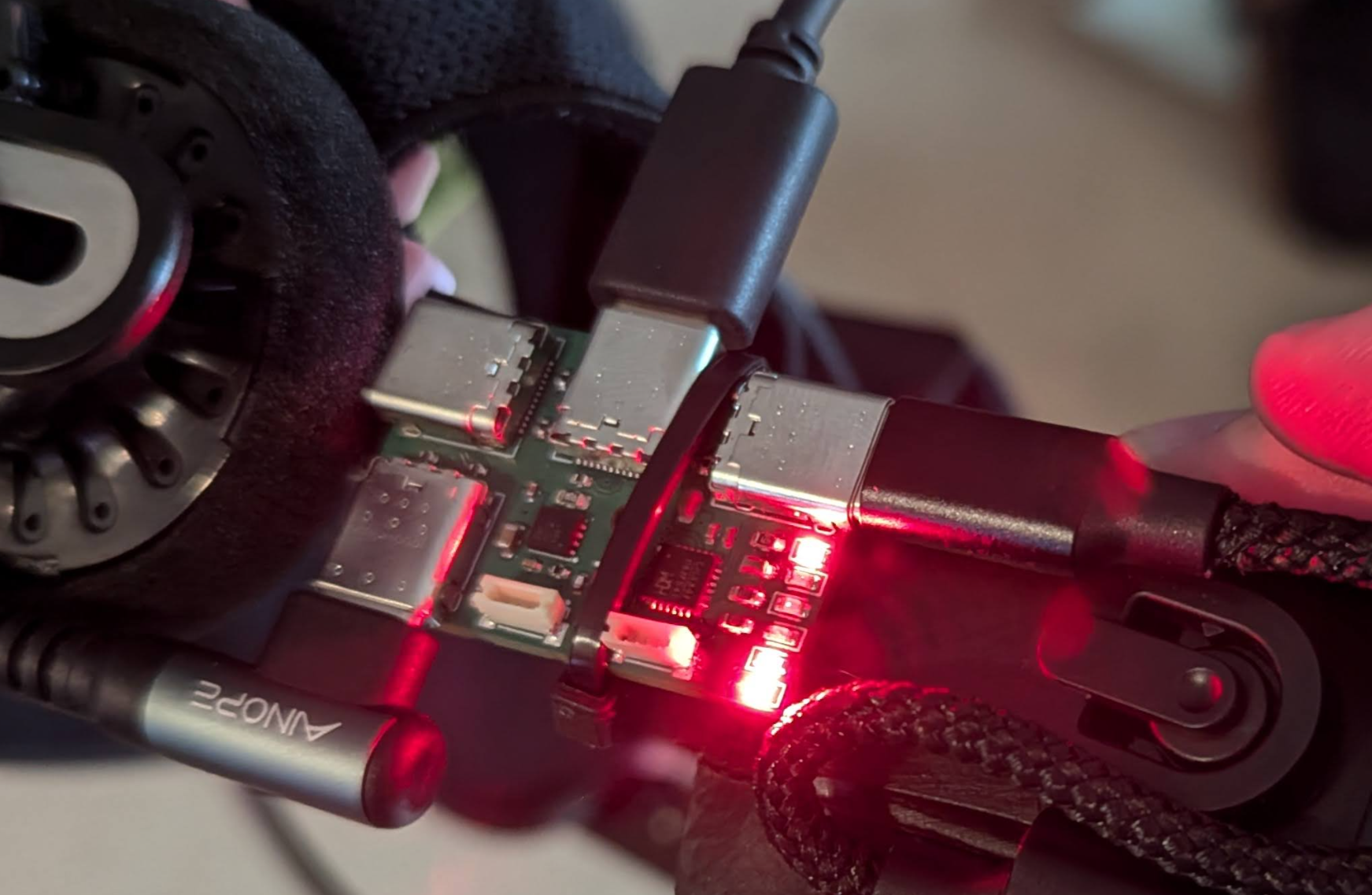
Version 2 https://mmimodular.myshopify.com/products/usb-2-0-hub-for-bigscreen-beyond smaller and more compact
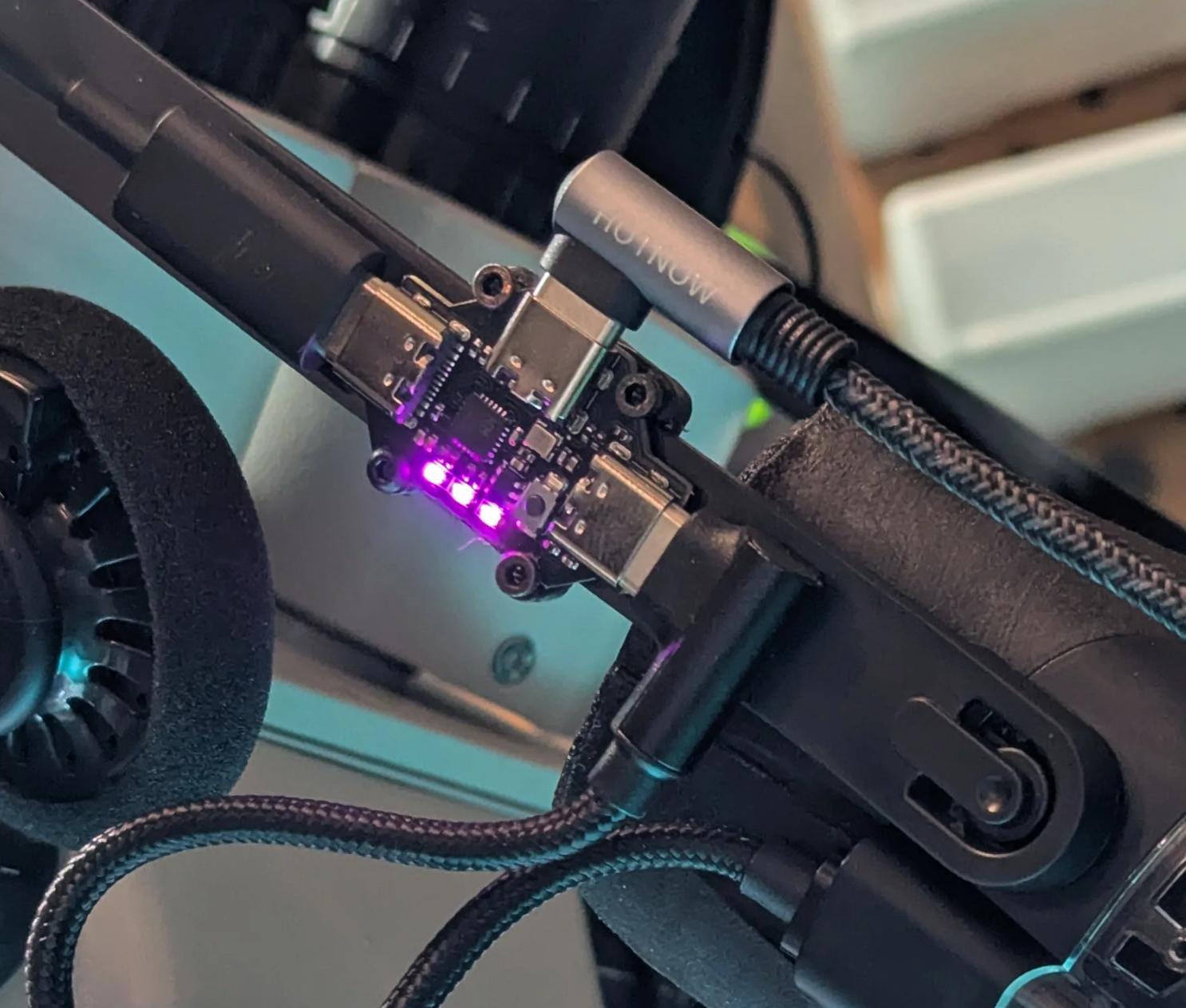
Known issue: some hubs can get stuck showing your face tracker as a generic device instead of switching it into camera mode. .