
Known NVIDIA/AMD Driver issues
Overview
Drivers! They're important for making your graphics card zoom around corners and turn pure energy into frames as efficiently as possible. Unfortunately, some drivers are less skilled than others, and can crash and burn, causing issues with the Beyond in the process.
This page covers known driver versions that have issues, as well as ways of fixing it.
Common symptoms of a bad GPU driver
The Beyond is no longer detected in SteamVR (eg error 108, 436)
The displays no longer light up (black screen) or do so intermittently
To locate your current driver version...
NVIDIA:
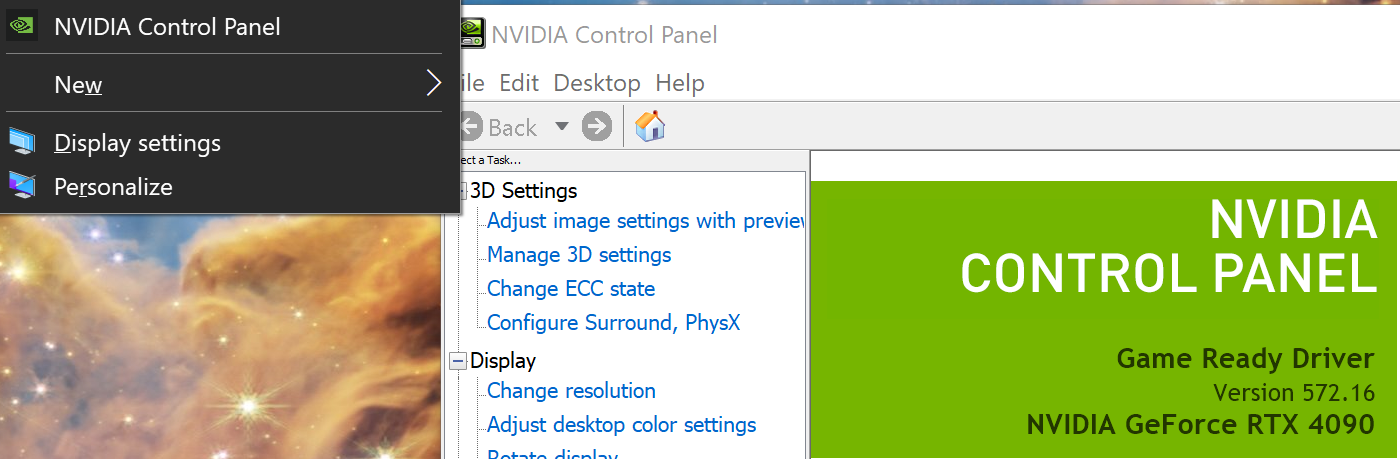
To locate your driver version on an NVIDIA card, head to NVIDIA control panel. You can do so by right clicking your desktop - after which, the current driver will be displayed on the screen.
AMD:
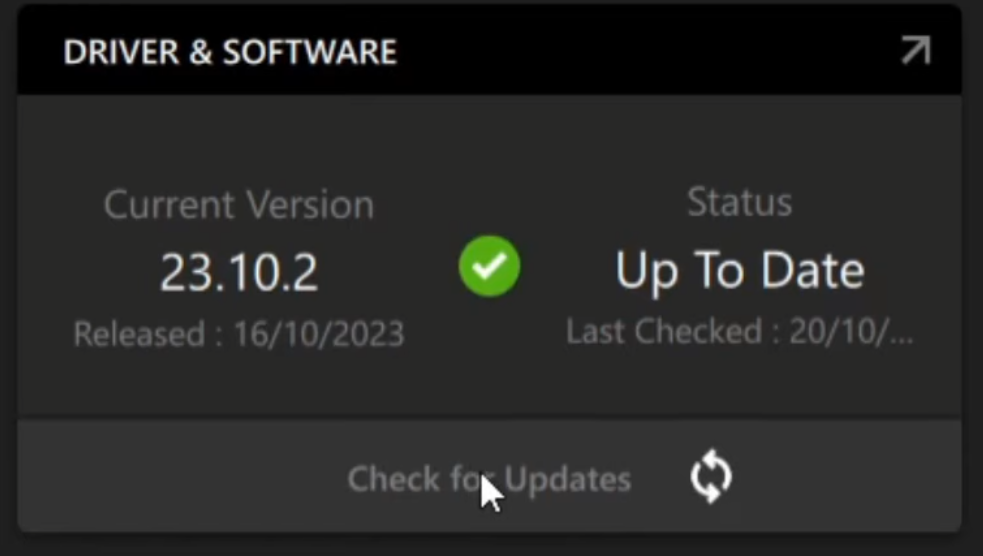
To locate the driver version on an AMD card, head to AMD software. The driver version will be displayed on the screen in the top right:
To perform a clean driver install
Sometimes, a driver install can get corrupted and start misbehaving. To fix this, the best way is to perform a clean uninstall and then reinstall fresh drivers from there.
Use of Display Driver Uninstaller (DDU) is recommended for this process. If you're looking for an older stable version for an NVIDIA card, 546.33 is known stable.
Alternatively, AMD users may use the "AMD cleanup utility" instead, if desired.
Download latest driver versions here:
Known Issues: NVIDIA Drivers
Screen tearing
If you notice the bottom 10% of your view tearing slightly compared to the rest of your vision, the culprit is your NVIDIA driver version. Various versions after 546.33 are known to have this issue, such as 552.22, so reverting to 546.33 can work. At the time of this writing, this issue should be fixed for the newest drivers for the past few months (including 572.16)
Headset not detected
Version 552.12 is known to be incompatible with the Beyond. If you're on this version, please revert or update your GPU drivers after a clean uninstall.
Version 572.16 has been reported to cause issues when multiple high resolution monitors are used in conjunction with the Beyond. Reducing the refresh rate of other monitors or unplugging a couple should help ensure it's detected correctly (this can occur on older driver versions as well)
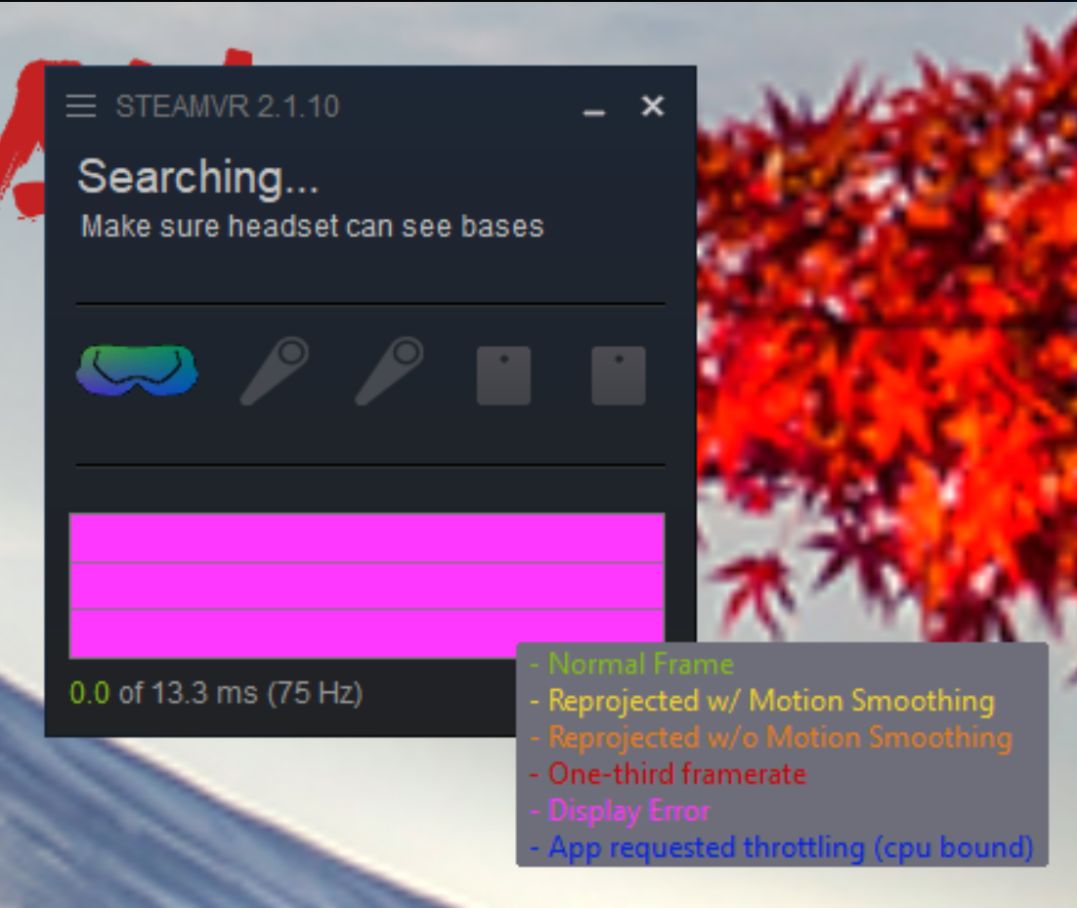
Performance issues / SteamVR Graph all pink
If the SteamVR performance graph is all pink, or errors related to NVAPI, please perform a clean uninstall & reinstall of your drivers.
Issues with 4000 series GPUs:
If you're running or recently upgraded to a 400 series GPU and SteamVR reports "headset not detected", please check to see if you have a updated motherboard bios. Any pre 2023 bios can cause this issue, but the issue should get resolved once the BIOS is updated!
Issues with 5000 series GPUs:
At the time of the 50 series launch, users with 5000 series GPUs have reported stuttering when in VR (unrelated to Beyond).
NVidia patched the SteamVR stuttering bug recently, as well as numerous blackscreening issues -- 5000 series users should update to hotfix driver 572.75 or newer. https://web.archive.org/web/20250308222819/https://nvidia.custhelp.com/app/answers/detail/a_id/5640/~/geforce-hotfix-display-driver-version-572.75
SteamVR Motion smoothing disabled / "not supported"
The latest NVIDIA drivers in December 2025, including 591.59 are known to cause issues with VR, including stuttering and disabling the motion smoothing option in SteamVR.
Known issues: AMD Drivers
AMD Users may require additional steps to get their Beyond running - unrelated to any specific driver version. See the AMD GPU Help Article for details.
Driver issues - 25.4.1 and newer
AMD Drivers 25.4.1 and newer have been reported to interfere with enabling direct display mode. Revert to 25.3.1 to set up your Beyond. Once direct display mode is enabled successfully, you may be able to update drivers afterwards without issue.
Recommended Driver Versions
NVIDIA
5000 series
4000 series (or older)
AMD
25.6.2 https://drivers.amd.com/drivers/amd-software-adrenalin-edition-25.6.2-win10-win11-june-rdna.exe